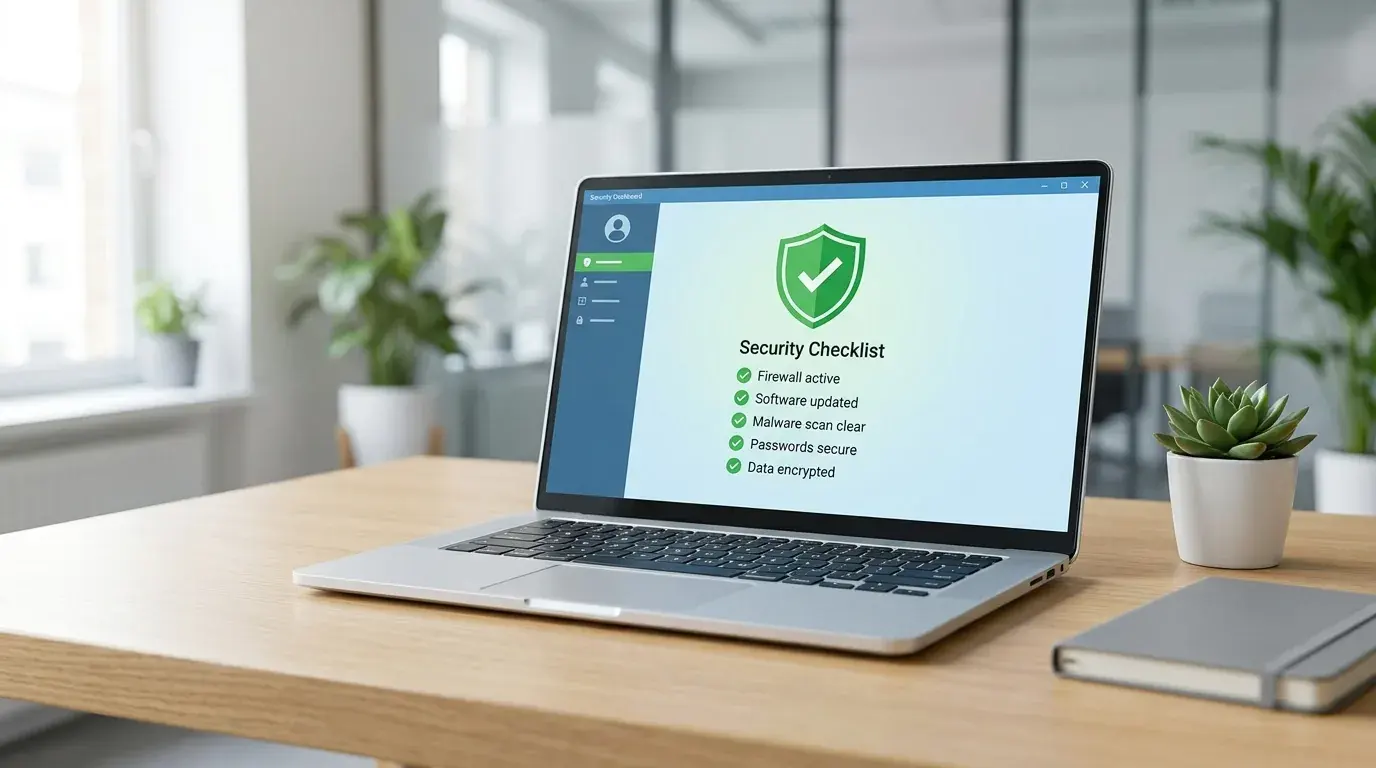
Cyber Essentials is fast becoming the price of doing business in the UK. More and more contracts, especially with the public sector, now ask for it before they will work with you. The good news is that for most small businesses it is achievable, often in a week or two, once you know what the assessors actually check.
The problem is that many firms apply, fail on something small, and have to redo the work. This checklist walks through the five Cyber Essentials controls in plain English and shows you what to fix before you apply, so you pass first time.
Quick answer:
- Cyber Essentials is a UK government-backed scheme built around five technical controls.
- The five controls are firewalls, secure configuration, user access control, malware protection and security update management.
- Multi-factor authentication is now mandatory, and all software must be supported and patched within 14 days.
- Basic certification costs from about £300 plus VAT for the smallest firms, and lasts 12 months.
- The most common fails are unsupported software, missing MFA and default passwords, all fixable before you apply.
What is Cyber Essentials and who needs it?
Cyber Essentials is a UK government-backed certification scheme, run by IASME on behalf of the National Cyber Security Centre. It shows that your business has the basic security controls in place to defend against the most common online attacks. You can read the official overview on the NCSC website.
Any business can certify, but some need it more than others. If you bid for government or public-sector contracts, Cyber Essentials is often a hard requirement. Many larger companies now ask their suppliers for it too, and some cyber insurance policies expect it. For a small firm, it is one of the cheapest ways to prove you take security seriously.
What are the five Cyber Essentials controls?
Cyber Essentials is built on five technical controls: firewalls, secure configuration, user access control, malware protection and security update management. Get these five right across every device and account, and you meet the standard. The 2026 update added stronger expectations around cloud services and multi-factor authentication.
Here is what each control means in practice:
- Firewalls. Every internet-connected device and your network boundary must sit behind a correctly configured firewall.
- Secure configuration. Devices and software set up safely, with default passwords changed and anything unnecessary removed.
- User access control. People only get access to what they need, with strong sign-in and multi-factor authentication.
- Malware protection. Every device protected by anti-malware tools or approved application controls.
- Security update management. All software supported and kept patched, with critical updates applied within 14 days.
The technical detail behind each control is set out by IASME, the body that runs the scheme.
The Cyber Essentials pre-application checklist
Work through this checklist before you apply, control by control. If you can tick every box honestly, you are ready to certify. If not, fix the gaps first, because the assessment is a self-declaration you have to stand behind.
Firewalls
- Every office and home-working device connects through a firewall, either the built-in software firewall or a network one.
- The default admin password on your router or firewall has been changed to a strong, unique one.
- No unnecessary inbound rules or open ports are left in place.
- Remote access uses a secure method such as a VPN, not an exposed port.
Secure configuration
- Default passwords on all devices and accounts have been changed.
- Unused user accounts, software and services have been removed or disabled.
- Auto-run features that launch programs from USB drives are turned off.
- Devices lock automatically after a short period of inactivity.
User access control
- Each person has their own named account, with no shared logins.
- Staff use standard accounts for daily work, not administrator accounts.
- Multi-factor authentication is switched on for email, Microsoft 365 and any internet-facing service.
- Accounts for people who have left are disabled promptly.
Malware protection
- Every computer has active anti-malware protection, such as Microsoft Defender, kept up to date.
- Mobile devices that access company data are protected and managed.
- Staff know not to install software from untrusted sources.
Security update management
- All operating systems and software are still supported by the vendor.
- Automatic updates are switched on where possible.
- High-risk and critical updates are applied within 14 days of release.
- Old, unsupported devices have been upgraded, replaced or removed from the network.
That last point trips up a lot of firms. If you are still running Windows 10 without paid Extended Security Updates, you will fail this control, because the operating system is no longer supported. We explain the fix in our guide to Windows 10 end of support.
What is the difference between Cyber Essentials and Cyber Essentials Plus?
Cyber Essentials is a self-assessment, where you answer a questionnaire about your controls and a qualified assessor reviews it. Cyber Essentials Plus covers the same five controls, but adds a hands-on technical audit and vulnerability scan carried out by an assessor to confirm the controls really work.
Most small businesses start with the basic certification. If a contract specifically asks for Cyber Essentials Plus, or you want stronger proof for clients and insurers, you move up to Plus. You usually need the basic certification in place first, so it makes sense to get the foundations right either way.
How much does Cyber Essentials cost and how long does it take?
Basic Cyber Essentials is priced by the size of your business, starting at about £300 plus VAT for the smallest firms. The certification lasts 12 months, after which you renew. Cyber Essentials Plus costs more because of the added audit, typically from around £1,500 plus VAT for a small business.
The fees, set by IASME, are tiered by headcount:
| Business size | Employees | Basic certification (approx, + VAT) |
|---|---|---|
| Micro | 0 to 9 | £300 to £350 |
| Small | 10 to 49 | £400 to £450 |
| Medium | 50 to 249 | £450 to £500 |
| Large | 250+ | £550 to £600 |
The certification fee is only part of the picture. If you need to fix gaps first, such as turning on MFA, replacing old PCs or setting up proper backups, budget for that work too. For a typical small office, getting ready is usually a few days of focused effort rather than a big project.
Why do small businesses fail Cyber Essentials?
Most failures come down to a handful of avoidable issues, not deep technical problems. The assessment is strict because the controls only work if they are applied everywhere, so a single weak spot can fail the whole application. Knowing the common traps lets you clear them before you apply.
The usual reasons firms fail:
- Unsupported software. An old Windows version or unsupported app breaks the update control instantly.
- No multi-factor authentication. MFA is now mandatory for internet-facing services, and missing it is a common fail.
- Default or weak passwords. Routers and devices left on factory passwords.
- Staff using admin accounts. Everyday work done on accounts with full administrator rights.
- Unknown devices. Personal phones and laptops accessing company email without protection.
Every one of these is fixable in advance. A short pre-assessment, where someone checks your setup against the five controls, will usually catch them all. That is exactly what our small business IT support team does before a client applies.
Key takeaways
- Cyber Essentials is a UK government-backed scheme based on five technical controls.
- The controls are firewalls, secure configuration, user access control, malware protection and security update management.
- Multi-factor authentication is mandatory, and all software must be supported and patched within 14 days.
- Basic certification starts at about £300 plus VAT and lasts 12 months. Cyber Essentials Plus adds an audit and costs more.
- Most fails come from unsupported software, missing MFA and default passwords, all of which you can fix before applying.
Want to certify first time without the back-and-forth? Verge Tech Solutions helps small businesses across London, Berkshire and Surrey get Cyber Essentials ready and stay compliant year after year. We run a pre-assessment against all five controls, fix the gaps, and support you through the application. Remote support is from £60 an hour for businesses, on-site from £95 an hour for businesses, and our managed IT packages from £299 a month keep your controls in place all year. Our senior engineers are Microsoft and CompTIA certified, with no call-out fee. Email support@vergetech.co.uk to book a check.
Frequently Asked Questions
Is Cyber Essentials mandatory?
Not by law for most businesses, but it is often required in practice. Central government contracts that handle certain data require it, many larger companies ask suppliers for it, and some cyber insurers expect it. If you bid for public-sector work, treat it as essential.
How long does Cyber Essentials certification last?
Certification is valid for 12 months. After that you renew by completing the assessment again, which keeps your controls current as threats and requirements change. The scheme is updated each year, so renewing also keeps you in line with the latest version.
Can I do Cyber Essentials myself?
Yes. Basic Cyber Essentials is a self-assessment, so a confident business owner can complete it. Most small firms still get help, because a pre-assessment catches the common fails like missing MFA or unsupported software before they cost you a failed application.
What is the difference between Cyber Essentials and Cyber Essentials Plus?
Both cover the same five controls. Cyber Essentials is a self-assessment you complete and an assessor reviews. Cyber Essentials Plus adds a hands-on technical audit and vulnerability scan by an assessor, giving stronger proof that your controls actually work.
How long does it take to get Cyber Essentials?
If your controls are already in good shape, you can complete the assessment and get certified within a week or two. If there are gaps to fix first, such as enabling MFA or replacing old PCs, allow a few extra weeks for that remediation work before you apply.
Cybersecurity and scam protection
Worried about security, phishing or account protection?
We help London SMEs and home users harden devices, Microsoft 365 accounts, MFA, backups and endpoint protection before a small issue becomes a business problem.
Keep reading
Related IT guides
GDPR Compliance Checklist for UK Small Businesses
When it comes to data protection, GDPR (General Data Protection Regulation) is a big deal. It’s all about making sure personal data is handled with...
Affordable Password Managers: What to Check Before You Choose
RoboForm is a best low price password manager and perhaps the longest player in the password manager game, which prove their long-term viability. Main...
8 Best Practices to Protect Your Company Data When Employees Leave
What Is Data Protection and Why Is It Important? Before discussing the best practices of employee offboarding, it is important to understand data...
Written by
Noman Maqsood (Nomi)
Senior IT Engineer · Azure Certified
Nomi has 7+ years in cloud, networking, and hybrid infrastructure. He writes about practical IT solutions — no jargon, just what actually works.
More from Nomi at nmaqsood.com →