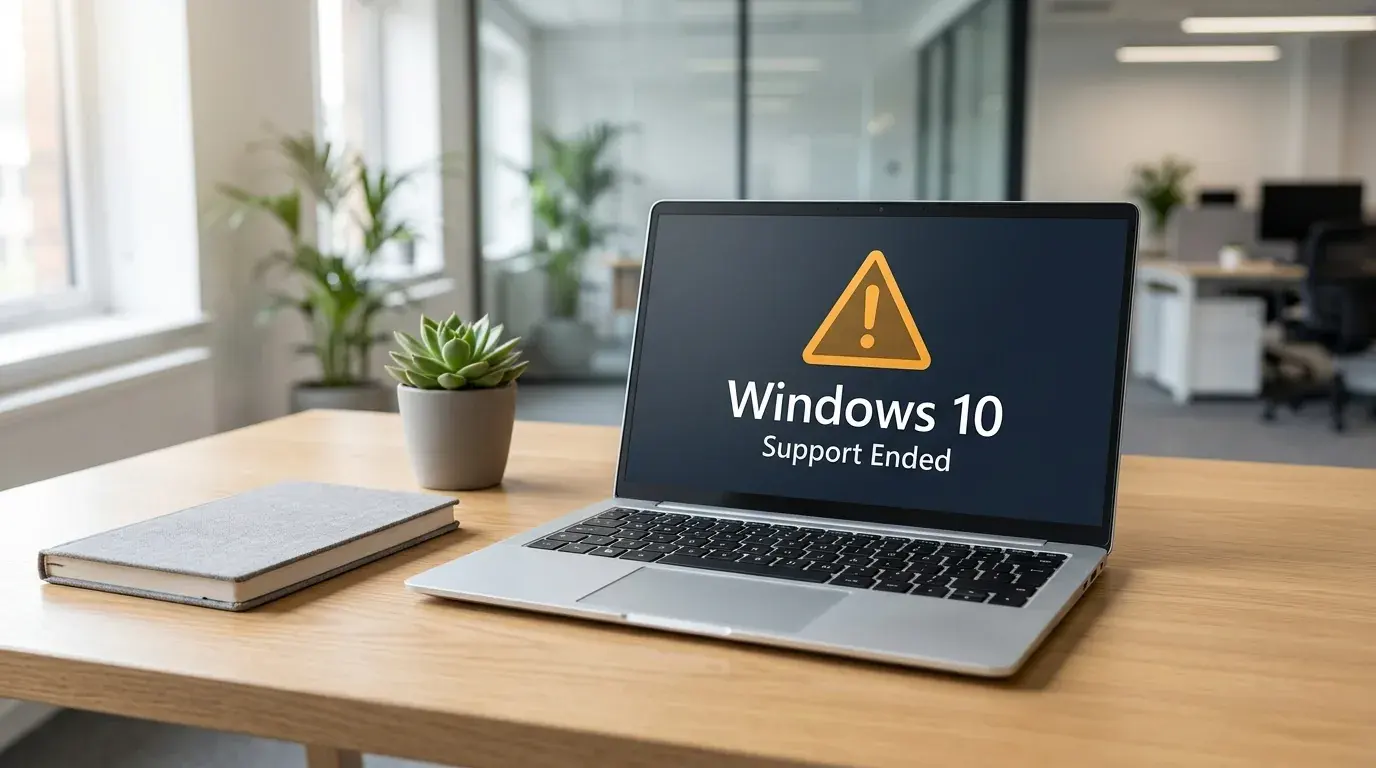
If you are reading this on a Windows 10 PC, your computer is now running without security updates. Microsoft ended free support for Windows 10 on 14 October 2025. That deadline has come and gone, yet millions of machines across UK homes and small businesses are still on Windows 10 today.
The good news: your PC still turns on and works as normal. The bad news: every month that passes without updates leaves it more exposed. This guide explains what "end of support" actually means in 2026, what your options are now, and the safest path forward for businesses across London, Berkshire and Surrey.
Quick answer:
- Windows 10 support ended on 14 October 2025. It still runs, but gets no security patches.
- Home users can get one extra year of security-only updates (ESU) until 13 October 2026, free or for a small fee.
- Businesses pay per device for ESU, and the price doubles every year for up to three years.
- The better long-term fix is upgrading eligible PCs to Windows 11 (often free) or replacing older ones.
- For businesses, an unsupported OS can put GDPR compliance and Cyber Essentials certification at risk.
Is Windows 10 still supported in 2026?
No. Windows 10 reached end of support on 14 October 2025. Microsoft no longer provides free security updates, bug fixes or technical help for the operating system. The only updates still available are paid or limited "Extended Security Updates", which we cover below.
End of support does not mean your computer stops working. Windows 10 will keep running for years if you let it. The problem is that newly discovered security holes will never be patched, so the machine becomes a softer target with every month that passes. Microsoft set out the full timeline on its Extended Security Updates page.
What happens if I keep using Windows 10?
Your PC keeps working, but it stops getting protection against new threats. Attackers actively look for unpatched systems because they know the holes will never be fixed. Over time, antivirus tools, browsers and business software also drop support for Windows 10, so things slowly break.
Here is what tends to happen, in order:
- Security risk rises first. Any flaw found after October 2025 stays open forever on an unpatched machine.
- Software starts dropping support. Chrome, Microsoft 365 apps and many security tools will phase out Windows 10 over the next year or two.
- Compliance becomes a problem. For businesses, running an unsupported OS can fail a security audit or invalidate insurance.
- Performance and reliability slip. Without fixes, small faults go unresolved and pile up.
For a home user with one laptop, the risk is mostly personal data and online accounts. For a business with several machines, one unpatched PC can be the way in for ransomware that spreads across the whole network.
What is Windows 10 ESU and how long does it last?
ESU stands for Extended Security Updates. It is Microsoft's paid safety net that keeps delivering critical security patches after end of support. It does not add features or technical help. It only plugs security holes, and it runs for a limited time.
There are two very different versions, and the difference matters a lot for what you should do next.
Consumer ESU (home users)
Home users get one extra year of security-only updates, ending on 13 October 2026. You can enrol in three ways, set out on Microsoft's consumer ESU page: free if you sync your PC settings to a Microsoft account, free for 1,000 Microsoft Rewards points, or a one-off payment of about £25 to £30. All three give the same updates.
The catch is the date. Consumer ESU only buys you until October 2026, which is now just a few months away. It is a short bridge, not a long-term answer.
Business ESU (commercial devices)
Businesses pay per device through volume licensing, and the price climbs fast. Microsoft's list price starts at around 61 US dollars per device for the first year, then doubles to 122 for year two and 244 for year three. Cover can run up to October 2028.
If you wait and buy later, you still pay for the earlier years you skipped, because the licence is cumulative. So delaying does not save money. For a business with ten older PCs, three years of ESU adds up to a serious bill, often more than the cost of upgrading or replacing the machines.
| Option | Who it is for | Runs until | Rough cost |
|---|---|---|---|
| Consumer ESU | Home users | 13 Oct 2026 | Free, 1,000 Rewards points, or about £25 to £30 once |
| Business ESU | Companies, per device | Up to Oct 2028 | ~61 USD year 1, doubling each year |
| Upgrade to Windows 11 | Eligible PCs | Supported to 2031+ | Usually free |
| Replace the PC | Older, ineligible PCs | Supported for years | New hardware cost |
Should I upgrade to Windows 11 or replace the PC?
For most people, upgrading eligible PCs to Windows 11 is the right move, and it is usually free. The deciding factor is whether your hardware meets the Windows 11 requirements, mainly a TPM 2.0 security chip, a supported processor and 4GB or more of memory. If it qualifies, upgrade. If it does not, plan to replace it.
Here is a simple way to decide for each machine:
- PC is newer (roughly 2018 onward) and passes the PC Health Check: upgrade to Windows 11 free.
- PC is older but otherwise fine, fails the check on TPM only: sometimes a setting in the BIOS can enable TPM. Worth checking before you write it off.
- PC is old, slow, or fails the check fully: replace it. Spending money to keep an ageing machine alive rarely pays off.
If a machine is slow but the hardware is sound, a quick SSD and memory upgrade can make Windows 11 feel fast on a five or six year old PC. That is often far cheaper than a new computer.
The extra risk for businesses: GDPR and Cyber Essentials
For a business, running an unsupported operating system is not just a technical issue, it is a compliance one. UK data protection law expects you to keep personal data secure, and security standards treat an unpatched OS as a clear weakness.
Two areas matter most:
- Cyber Essentials. The UK government-backed scheme requires that all software, including the operating system, is supported and receiving security updates. A Windows 10 machine without ESU can fail certification outright. We break this down in our guide to the Cyber Essentials checklist for small businesses.
- GDPR. If unpatched software leads to a breach of personal data, the Information Commissioner's Office can take the state of your systems into account. Running known-vulnerable kit weakens your position.
If your business holds client records, card details or health information, this is reason enough to act now rather than wait for the ESU clock to run out. Our business IT support team can audit your devices and tell you exactly where you stand.
What should London, Berkshire and Surrey businesses do right now?
Start with a simple audit, then upgrade or replace in order of risk. The aim is to remove every unsupported machine from your network before the consumer ESU window closes in October 2026. You do not need to do it all in one weekend, but you do need a plan.
A practical five-step action plan:
- 1. List every PC. Note which run Windows 10, which run Windows 11, and the age of each machine.
- 2. Check Windows 11 eligibility. Run the free PC Health Check on each Windows 10 device.
- 3. Upgrade the eligible ones. Back up first, then move them to Windows 11.
- 4. Replace or ESU the rest. For machines that cannot upgrade, decide between new hardware or short-term ESU cover.
- 5. Confirm backups and security. Make sure every machine has tested backups, current antivirus and Microsoft 365 set up correctly.
If that sounds like a lot to manage alongside running a business, this is exactly the kind of project our managed IT service handles. We plan the rollout, do the upgrades on site or remotely, and make sure nothing is lost along the way.
What if my PC cannot run Windows 11?
If a machine fails the Windows 11 check and cannot be fixed with a BIOS setting, you have three sensible choices: buy consumer or business ESU as a short bridge, replace the PC, or repurpose it for a non-internet task. What you should not do is keep it online and unpatched on a business network.
For older but healthy hardware, another option is switching the machine to a lightweight Linux system for basic web and email use. It is not right for every office, but for a spare reception PC or a workshop machine it can give the hardware a few more useful years. If you are unsure which path fits, ask us before you spend money either way.
Key takeaways
- Windows 10 support ended on 14 October 2025. Machines still on it get no security updates.
- Home users can bridge to October 2026 with consumer ESU, free or for about £25 to £30.
- Business ESU is paid per device and doubles in price each year, so it is a stopgap, not a strategy.
- Upgrading eligible PCs to Windows 11 is usually free and is the best long-term fix.
- For businesses, an unsupported OS can fail Cyber Essentials and weaken your GDPR position.
- Audit your devices now and clear unsupported machines before the ESU window closes.
Worried about which of your computers are at risk? Verge Tech Solutions offers same-day IT support across London, Berkshire and Surrey, with no call-out fee. Remote support is from £50 an hour (£60 for business), on-site from £85 an hour, and managed IT packages start at £299 a month. Our senior engineers are Microsoft and CompTIA certified, and one named engineer owns your job from the first call to handover. Email support@vergetech.co.uk or book an engineer online and we will check every machine for you.
Frequently Asked Questions
Is Windows 10 safe to use in 2026?
Not really. Windows 10 still works, but since support ended in October 2025 it no longer gets security updates, so any new flaw stays open. For light personal use with ESU enrolled it is lower risk, but for business use on a network it is a genuine weak point that should be upgraded or replaced.
How much does Windows 10 ESU cost?
For home users, consumer ESU is free if you sync your PC settings to a Microsoft account, free for 1,000 Microsoft Rewards points, or a one-off payment of about £25 to £30, and it runs to 13 October 2026. For businesses it starts at around 61 US dollars per device for year one and doubles each year for up to three years.
Can I still upgrade to Windows 11 for free?
Yes. If your PC meets the Windows 11 requirements, mainly a TPM 2.0 chip and a supported processor, the upgrade from Windows 10 is free. Run the free PC Health Check app to confirm your machine qualifies before you start.
Will my old laptop run Windows 11?
It depends on the hardware. Most laptops from around 2018 onward will qualify, while older ones often fail on the TPM 2.0 or processor requirement. Sometimes a BIOS setting can enable TPM, so it is worth checking rather than assuming. If it cannot upgrade, replacing the machine is usually the better value.
What happens to my files if I upgrade to Windows 11?
An in-place upgrade from Windows 10 keeps your files, apps and settings in place. Even so, you should always take a full backup first, because any upgrade carries a small risk. If you would rather not chance it, we can back up, upgrade and check everything for you on site or remotely.
Windows troubleshooting and repair
Need Windows fixed without losing your data?
We repair Windows startup loops, update failures, driver problems, blue screens and slow PCs remotely or on-site across London, Berkshire and Surrey.
Keep reading
Related IT guides
What Should You Do After Microsoft Kills Windows 10
As the end of support for Windows 10 approaches, many users are left wondering what their options are. With the deadline set for October 14, 2025, it’s...
What's New in Windows 11 February 2026 Patch Hype
February's Patch Tuesday is creating quite the buzz across social media and IT forums. Everyone's talking about the Windows 11 February 2026 Patch...
Windows Device Manager Driver Updates: What Changed
Microsoft Windows users can no longer search online for driver updates in Device Manager after Microsoft removed the option in a recent update for...
Written by
Noman Maqsood (Nomi)
Senior IT Engineer · Azure Certified
Nomi has 7+ years in cloud, networking, and hybrid infrastructure. He writes about practical IT solutions — no jargon, just what actually works.
More from Nomi at nmaqsood.com →