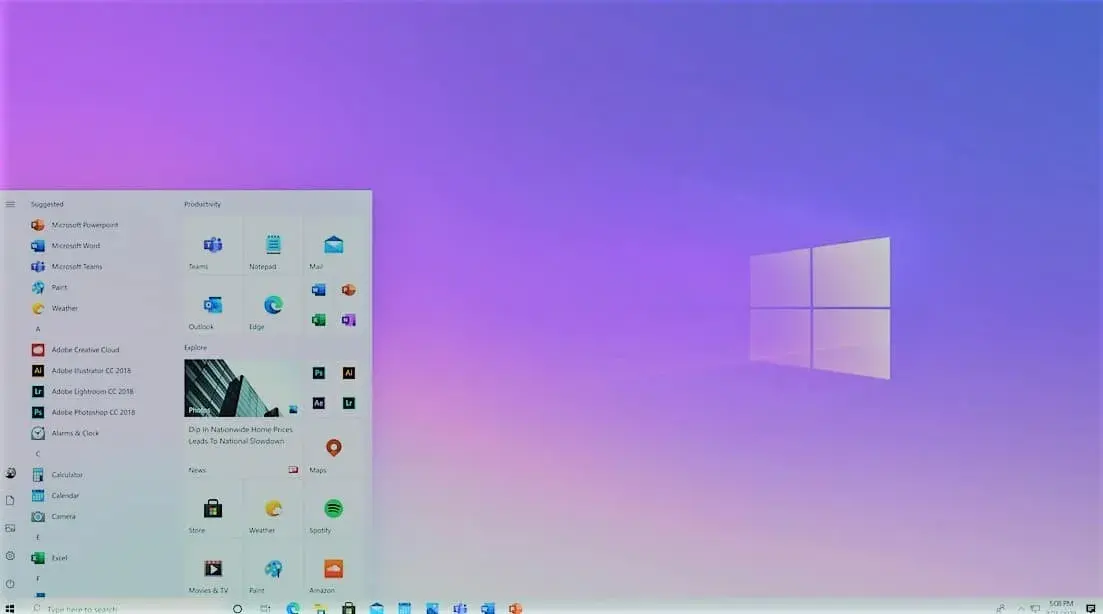
Windows 10X features
The Microsoft Windows 10x feature will include an anti-theft security option that prevents laptop thieves from resetting the device to make it their own.
To reset a Windows 10x laptop, a thief would need your login details to sign in to the original account you created when you bought the device.
Without access, thieves would be permanently locked out of the laptop. Also, the 'Find my device' feature would keep running, helping you locate it. This protection will be turned off by default, so you would need to enable it
Windows 10x version with updated features is expected to launch in the coming months. This new version will come pre-installed on new devices. To get Windows 10x you'll have to buy a new laptop running it. You won't be able to switch to it from your existing Windows 10 computer.
Cybersecurity and scam protection
Worried about security, phishing or account protection?
We help London SMEs and home users harden devices, Microsoft 365 accounts, MFA, backups and endpoint protection before a small issue becomes a business problem.
Keep reading
Related IT guides
How to fix failed virus detected chrome windows 11
You're browsing the web on your Windows 11 laptop when Chrome displays a scary red warning: "Failed: Virus detected." Your heart sinks. Don't worry,...
GDPR Compliance Checklist for UK Small Businesses
When it comes to data protection, GDPR (General Data Protection Regulation) is a big deal. It’s all about making sure personal data is handled with...
8 Best Practices to Protect Your Company Data When Employees Leave
What Is Data Protection and Why Is It Important? Before discussing the best practices of employee offboarding, it is important to understand data...
Written by
Noman Maqsood (Nomi)
Senior IT Engineer · Azure Certified
Nomi has 7+ years in cloud, networking, and hybrid infrastructure. He writes about practical IT solutions — no jargon, just what actually works.
More from Nomi at nmaqsood.com →