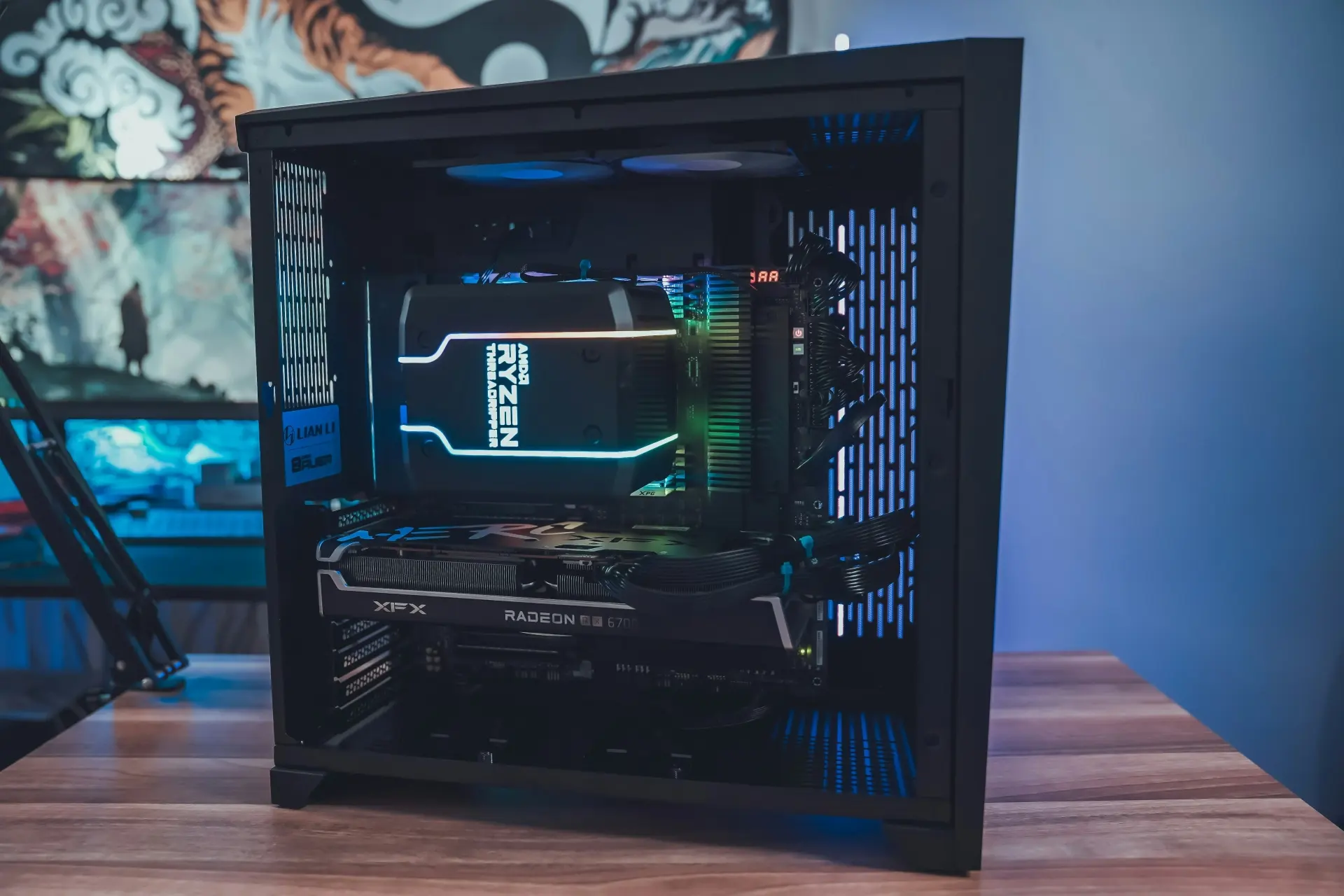
Boost your PC performance with professional hardware upgrades. Expert advice on RAM, SSDs, GPUs, and CPUs. Transform your gaming and computing experience today.
Computer Memory Upgrade
Your computer's performance is greatly influenced by its RAM (random access memory). RAM allows your computer to execute multiple tasks simultaneously and operate more quickly. To enhance your computer's performance, you can either install additional RAM or replace the current memory sticks with larger ones. For modern games, a minimum of 16GB of RAM is recommended, while 32GB is advisable for more demanding games. If your PC beeps and will not start after you fit new memory, a stick may not be seated properly or may not be compatible. Our guide to startup beep codes explains what the beeps mean.
Hard Drive Upgrade
Hard drives in most laptops and desktop computers are modular and can be easily replaced with a faster model with greater storage capacity. With a larger hard drive, you can store more programs, music and photos. In addition, you can install more than one hard drive in a desktop computer to expand storage or backup files.
Solid State Drive (SSD) Upgrade
A solid-state drive (SSD) uses flash memory to deliver dramatic performance gains compared to mechanical hard drives. Since SSDs don’t have small moving parts prone to failure, they offer a wide range of cost-effective benefits to nearly every computer user. If you need more storage on your PC or laptop, upgrading to an SSD is the quickest and most effective solution. Our technicians will identify the best option and install it for you, providing the extra space you need and improving your system's overall performance.
Disk Drive installation
You can take advantage of new capabilities by upgrading your DVD burner or Blu-ray drive. Our computer hardware upgrade service can confirm compatibility before fitting, and some computers can support more than one drive.
Processor (CPU) Upgrade
Your new processor can make a massive difference in the speed and performance of your laptop or desktop computer.
Before you choose a new processor, check the processor socket type on your computer’s motherboard. Your new processor needs to match that socket type to be compatible. If you need help installing a new processor, please give us a call; we will not only assist you in getting a suitable processor but also help you install it.
Graphic Card Upgrade
Graphics cards accelerate computers that handle intensive image processing in video games and 3D rendering software. In addition, a new video card can enhance graphics performance, enabling you to play the latest games.
But not all cards are created equal. Some are better suited for gaming, while others are designed for graphic design or other specialised tasks. If you don’t know what type of computer you have or what you’ll be doing with it, consult us first so we can make sure you get the right graphics card for your needs!
PC performance and hardware upgrades
Need your PC upgraded or tuned properly?
We diagnose slow desktops, gaming PCs, overheating, GPU faults, RAM issues and storage upgrades before recommending parts.
Keep reading
Related IT guides
Why Does My Computer Keep Freezing? Common Causes and Fixes
Are you tired of dealing with a computer that keeps freezing up? You're not alone! It's one of the most common problems users experience and can be...
Buying a Desktop Computer: What to Check Before You Pay
Buying A Desktop Computer Desktop computers remain very popular, and it can be difficult to decide which to purchase. You are probably here because you...
How to Optimise Your Gaming Computer for Better Performance
Do you want to enhance your gaming time and boost performance ? If you're using Windows 10 or 11 , tweaking your PC is key. This will help you get the...
Written by
Noman Maqsood (Nomi)
Senior IT Engineer · Azure Certified
Nomi has 7+ years in cloud, networking, and hybrid infrastructure. He writes about practical IT solutions — no jargon, just what actually works.
More from Nomi at nmaqsood.com →