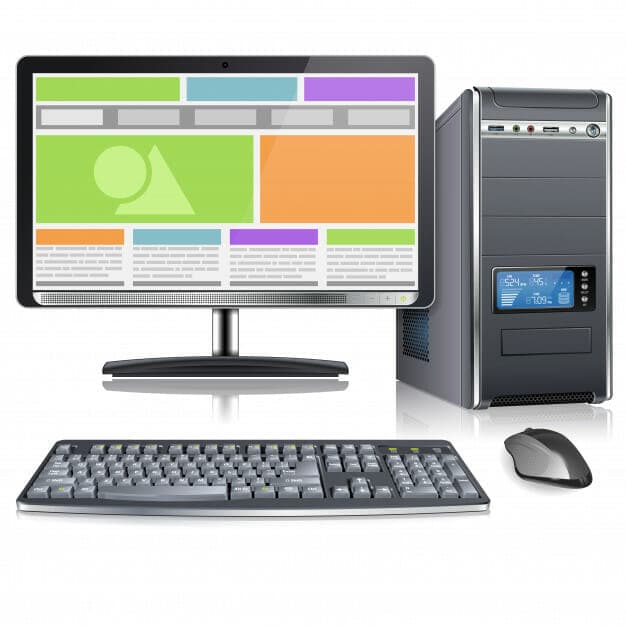
Buying A Desktop Computer
Desktop computers remain very popular, and it can be difficult to decide which to purchase. You are probably here because you want to make sense of it all. That's great, because the following article offers several helpful tips to help you purchase a desktop computer that is perfect for you.
Review what is included in the service for your desktop computer. Check whether on-site service or a technician will come to your location to perform repairs during your warranty period. Find out what you get if on-site is not available, along with how long it will take. Check whether your machine can be serviced at a local service centre. Also, review the time frames for replacements and repairs, and if you receive a loaned computer, confirm whether the timeframe is acceptable.
Check out the reviews of all computers online. This will give you a much better idea of what computer fits your needs.
Be sure to check the web before spending money at a brick-and-mortar tech store. Often, the prices you'll find on the Internet will be a lot lower than what you'll see in stores. If you can wait a few more days for your desktop, you can save a lot of money.
Before purchasing a new desktop computer, make a list of everything you plan to use it for. Do you have a child who will need to do schoolwork or do you love to play games online? You will want to purchase a model that not only has the right software installed for your needs but is also fast enough to run the programs you use.
You should get a warranty when you buy your computer. This is important in case the computer locks up or becomes unusable. You can typically get the same model or a newer one if this happens.
The first step in buying a new desktop computer is to make a list of your requirements. Will you be editing a video? Then you need a large hard drive and ample RAM. Look up the features you need, then ensure that any computer you're considering meets or exceeds that list.
If you are interested in the green movement, consider a mini PC. They use less electricity and typically have enough power to complete many tasks. This desktop is well-suited to your needs if you don't do much more than document creation, browsing the Internet, and checking your email.
Always check the customer reviews of a computer model before you purchase it. Customer reviews are available on most online retailer websites. From these reviews, you can determine whether a model you are interested in overheats, has speed issues, or has other problems you do not want to deal with.
As you can see from the article above, there is a wide range of desktop computers to choose from. Not everyone is knowledgeable about this subject, and it pays to have helpful tips like the ones above. Whenever you go searching for a desktop computer, keep these tips in mind.
UK Pricing Guide
For a rough budget: a basic UK business desktop for office work and browsing typically costs £350 to £550. A mid-range machine with a faster processor and an SSD, comfortable for multitasking and light design work, runs £600 to £900. Anything built for video editing, CAD or serious multitasking usually starts from £1,000. Retailers like Currys, Amazon UK and Scan.co.uk are worth comparing, and if you're buying for a business rather than a home, ask about on-site warranty cover rather than relying on a return-to-base repair. If you'd rather skip the research, we help households and businesses across Slough, Berkshire and West London choose and set up the right machine, see our desktop PC service for details.
PC performance and hardware upgrades
Need your PC upgraded or tuned properly?
We diagnose slow desktops, gaming PCs, overheating, GPU faults, RAM issues and storage upgrades before recommending parts.
Keep reading
Related IT guides
Essential Computer Hardware Upgrades: A Complete Guide
Boost your PC performance with professional hardware upgrades . Expert advice on RAM, SSDs, GPUs, and CPUs. Transform your gaming and computing...
Why Does My Computer Keep Freezing? Common Causes and Fixes
Are you tired of dealing with a computer that keeps freezing up? You're not alone! It's one of the most common problems users experience and can be...
Why Is My Computer Beeping on Startup? A 2026 Troubleshooting Guide
You press the power button, and instead of Windows, you get a series of beeps. Or worse, nothing on screen at all. Don't panic. Your computer is...
Written by
Noman Maqsood (Nomi)
Senior IT Engineer · Azure Certified
Nomi has 7+ years in cloud, networking, and hybrid infrastructure. He writes about practical IT solutions — no jargon, just what actually works.
More from Nomi at nmaqsood.com →