Wireless Printer Setup in London
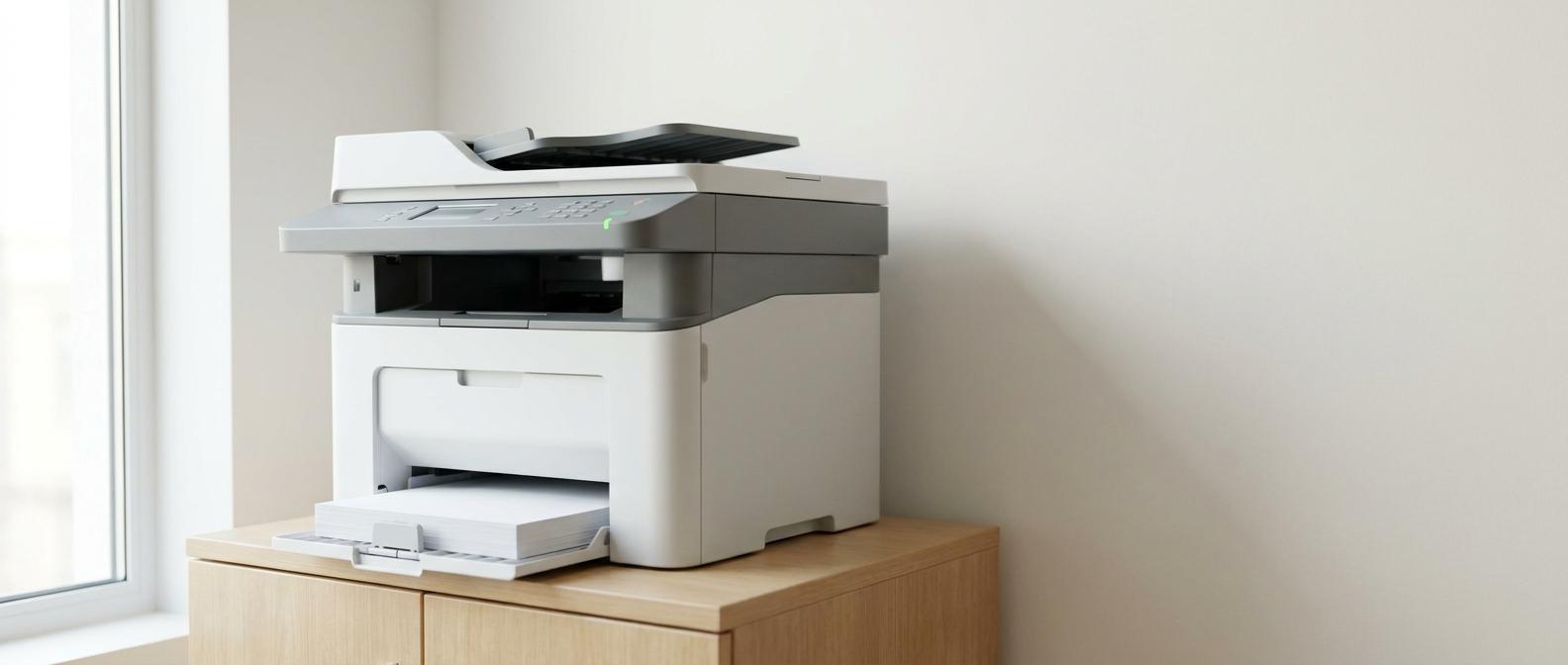
New printer not joining Wi-Fi, scanner not working, or laptop says the printer is offline again? We set up wireless printers for homes across London, Berkshire and Surrey, including drivers, scanning, AirPrint, mobile printing and simple handover notes.
Best for
Households needing plain-English help with Wi-Fi, computers, email, printers, backup and online safety.
Pricing
Wireless printer setup from £85 · Home visit or remote where suitable
Response
Remote support for software issues, home visits for hardware, Wi-Fi and setup jobs.
Coverage
London, Berkshire and Surrey for home visits.
Why people book this
Home IT support should be patient, practical and jargon-free.
Verge Tech helps households with the technology that interrupts daily life: weak Wi-Fi, printers, slow laptops, email problems, virus warnings, data recovery, smart devices and new device setup. The work is explained clearly and paced properly.
Printer keeps showing offline
Offline errors are usually caused by Wi-Fi, driver, IP address or sleep-mode behaviour rather than the printer being broken.
Scanner does not work
Many printers print before scanning is properly configured. We set up the scan utility or app and test it.
Phones and tablets cannot print
AirPrint, Mopria or the manufacturer app may need setting up separately for mobile devices.
What's included
Everything covered, in plain English.
A clear scope of work so there are no surprises after we arrive. Anything outside this list gets quoted before we start.
How it works
A clear route from problem to fix.
Check printer model, Wi-Fi signal and devices that need printing
Install the correct drivers or mobile apps
Connect printing and scanning on each device
Run a test print and scan, then leave simple instructions
Transparent Pricing
Simple pricing with no hidden costs.
All charges agreed in advance before paid work begins.
Remote session
Email, software, account and simple setup issues.
- Fast start
- No travel time
- Secure session
Home visit
Wi-Fi, printers, laptops, smart devices and repair checks.
- No call-out fee
- Plain-English help
- Same-day where available
Repair or setup
Parts, data recovery, new devices and bigger home setups.
- Fixed quote
- Data protected
- Handover notes
Printer brands
We set up the printer people usually buy for home use.
Most home printer problems come from Wi-Fi setup, wrong drivers or incomplete scanner configuration.
HP printers
HP Smart app, Wi-Fi setup, Windows/Mac drivers and mobile printing.
Canon and Epson
Inkjet, photo printer and scanner setup with the correct utility installed.
Brother printers
Reliable home-office printers configured for Wi-Fi, scanning and multiple devices.
FAQs
Questions people ask before booking.
Can you set up a printer I already bought?
Yes. We can set up new or existing wireless printers and connect them to your computers, phones and tablets.
Can this be done remotely?
Sometimes. If the printer is already on Wi-Fi, driver and software issues can often be fixed remotely. First-time Wi-Fi setup is usually easier on-site.
Do you support HP, Canon, Epson and Brother?
Yes. These are the most common home printer brands we see.
Can you make the scanner work too?
Yes. We install and test the scanning software where the printer supports it.
Why does my printer keep going offline?
Common causes include weak Wi-Fi, router changes, driver problems, sleep mode, duplicate printer entries or a changed IP address.
Your team
Senior Engineers
Microsoft & CompTIA certified senior engineers
Google Reviews
4.9★
35 verified reviews
No call-out fee
In Local Coverage Area
London, Berkshire & Surrey
Same-day service
Where diary allows
Remote support starts in minutes
Related services
Other things we cover.
If your problem doesn't quite fit this page, one of these probably does.
Computer Virus Removal Service
Computer running slowly, showing pop-ups, redirecting your browser or warning about ransomware? Our virus removal service clears malware from Windows PCs, laptops and Macs — on-site across London, Berkshire and Surrey, or remotely UK-wide. We secure your browser and accounts, then explain what happened in plain English.
Computer Help for Seniors London
Struggling with your computer, tablet or smartphone? We offer patient, friendly IT help for older adults at home across London, Berkshire and Surrey. No jargon, no rush, no embarrassment — and family members can book a visit on a parent’s behalf.
Data Recovery London
Lost important files or accidentally deleted something? We assess logical recovery jobs across London, Berkshire and Surrey. Physically failed HDDs and specialist clean-room work are handled through data-recovery partners, with the route and cost confirmed after assessment.
Ready to book?
Tell us what's broken, slow or worrying you.
We'll confirm whether remote or on-site support is the right first step, then agree the price before any work starts.