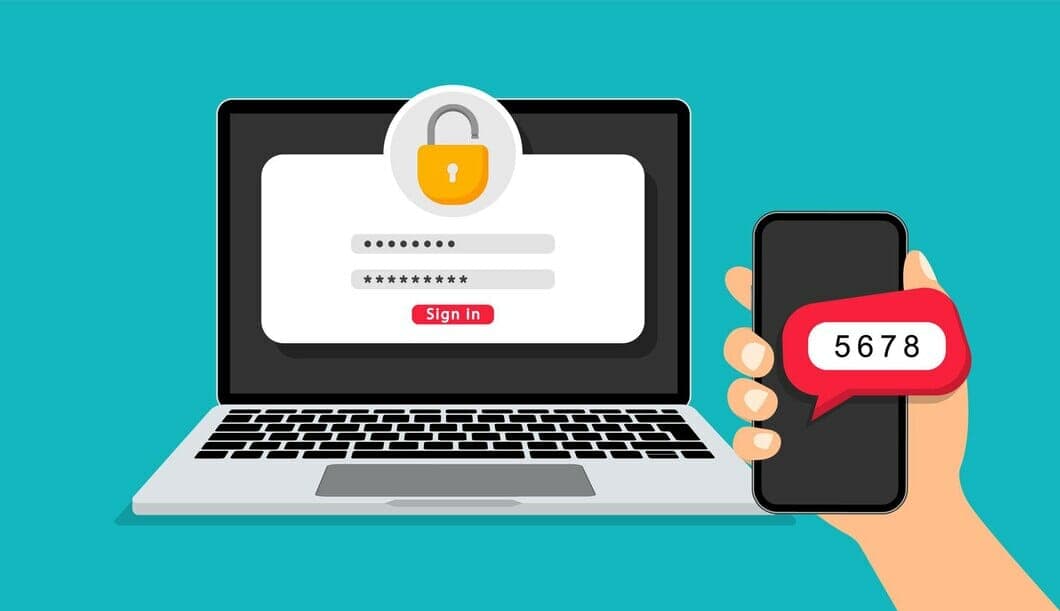
Passwordless authentication is the next frontier in cybersecurity. With more and more personal information being stored online, it's imperative that we come up with new ways to keep this data safe. When passwords are used for authentication, there is a risk of personal information being stolen by hackers.
Passwordless authentication allows a user to gain access to an application, website, or IT system without entering a password or answering security questions. Instead, the user swipes their fingerprint, enters a PIN code, uses facial recognition, or simply recites their personal identification number. With the increasing use of technology and the increase in security breaches, passwordless authentication is quickly becoming a necessity. With passwordless authentication, end users are not required to enter a password during login. The authentication process can be made more secure by directing the end-user to input their username, an automatically generated temporary passcode sent to their phone, or by authenticating with MFA or Single Sign-On.
How does Passwordless Authentication work?
Passwordless authentication works by granting you an access token instead of a password. This token is an encrypted authorization that allows you to view resources on a specific site and can be revoked anytime without compromising your account.
Most sites using OAuth 2.0-based authentication use the Authorization Code Grant flow for passwordless authentication. The client (the site you are visiting) requests the authorization server and provides an exchangeable token as a form of identification in exchange for access to resources on the website. The authorization server grants permission based on the token sent by the client.
Types of passwordless authentications
One-time link sent to the email
One-time password [OTP] sent by SMS or Push-notification
Mobile application with biometric authentication
Biometrics (fingerprint, retina scan)
Magic Links
Authenticator app push notification
USB token device (FIDO2-compliant keys)
Why passwordless authentication is safer than password-based authentication?
Passwordless authentication is safer than password-based authentication because it doesn’t use passwords. As the name suggests, you don't have to enter your password every time you log in, and it typically uses an access token instead. The site grants access tokens after you successfully log in, which're used to identify that you have authorisation.
Access tokens can be revoked anytime without compromising your account or viewing history. This means that even if someone has obtained your login credentials, they will never be able to access your account because they won't have access to the token.
Conclusion
So is passwordless authentication 100% safe? The answer is not 100%, but it comes close. Passwordless authentication does not require a password, making it more secure than password-based authentication. Users can also use an authenticator app to generate codes if they don't want to use their phones. The codes generated by the app are only valid for a short period, making it more difficult for hackers to steal and reuse the codes.
The lack of a password makes unauthorised access nearly impossible, but one more major security concern remains: what if attackers steal my mobile device? In this case, the attacker would likely try to get into your account by guessing your token, so it's important to keep your tokens private from prying eyes!
Verge Technology Solutions offers a range of training options, such as creating two-factor authentication on your account, setting up parental controls, and backing up and preserving your critical data. We also provide Microsoft Office, cloud storage, and internet security training.
Cybersecurity and scam protection
Worried about security, phishing or account protection?
We help London SMEs and home users harden devices, Microsoft 365 accounts, MFA, backups and endpoint protection before a small issue becomes a business problem.
Keep reading
Related IT guides
GDPR Compliance Checklist for UK Small Businesses
When it comes to data protection, GDPR (General Data Protection Regulation) is a big deal. It’s all about making sure personal data is handled with...
What Is Multi-Factor Authentication and How Do You Use It?
What are multi-factor authenticators, and how do we use them? Authenticators are additional forms of authentication beyond just a username and...
Cyber Essentials Checklist for Small Businesses: What to Fix Before You Apply
A plain-English Cyber Essentials checklist for UK small businesses. The five controls, what assessors check, and how to fix the common fails before you apply.
Written by
Noman Maqsood (Nomi)
Senior IT Engineer · Azure Certified
Nomi has 7+ years in cloud, networking, and hybrid infrastructure. He writes about practical IT solutions — no jargon, just what actually works.
More from Nomi at nmaqsood.com →