Last updated: March 15, 2026
Quick Answer: Both Google Workspace and Microsoft 365 are excellent productivity suites, but they suit different types of teams. Microsoft 365 is generally the stronger choice for businesses that rely on desktop apps, need large storage capacity, or operate in regulated industries. Google Workspace works well for smaller, browser-based teams that prioritise simplicity and real-time collaboration. Your best pick depends on your apps, your budget, and how your team actually works day to day.
Key Takeaways
- Microsoft 365 Business Basic starts at around $6/user/month; Google Business Starter costs approximately $7/user/month [1][2]
- Microsoft 365 gives you 1 TB of storage per user from the entry plan; Google Business Starter offers just 30 GB [1]
- Microsoft 365 includes full desktop apps (Word, Excel, PowerPoint) that work offline; Google Workspace is browser-first [1][3]
- Microsoft 365 has stronger security and identity management through Microsoft Entra ID [2]
- Google Workspace is simpler to start with; Microsoft 365’s admin centre makes common tasks easier to manage at scale [3]
- Teams that rely on advanced Excel features often end up buying both, which increases total cost [2]
- For most small businesses in London, Berkshire, and Surrey, Microsoft 365 is the more familiar and flexible option
What’s the Difference Between Google Workspace and Microsoft 365?
Google Workspace (formerly G Suite) and Microsoft 365 are cloud-based subscription services that provide your team with email, document storage, video calls, and more. Think of them as the engine room of your business.
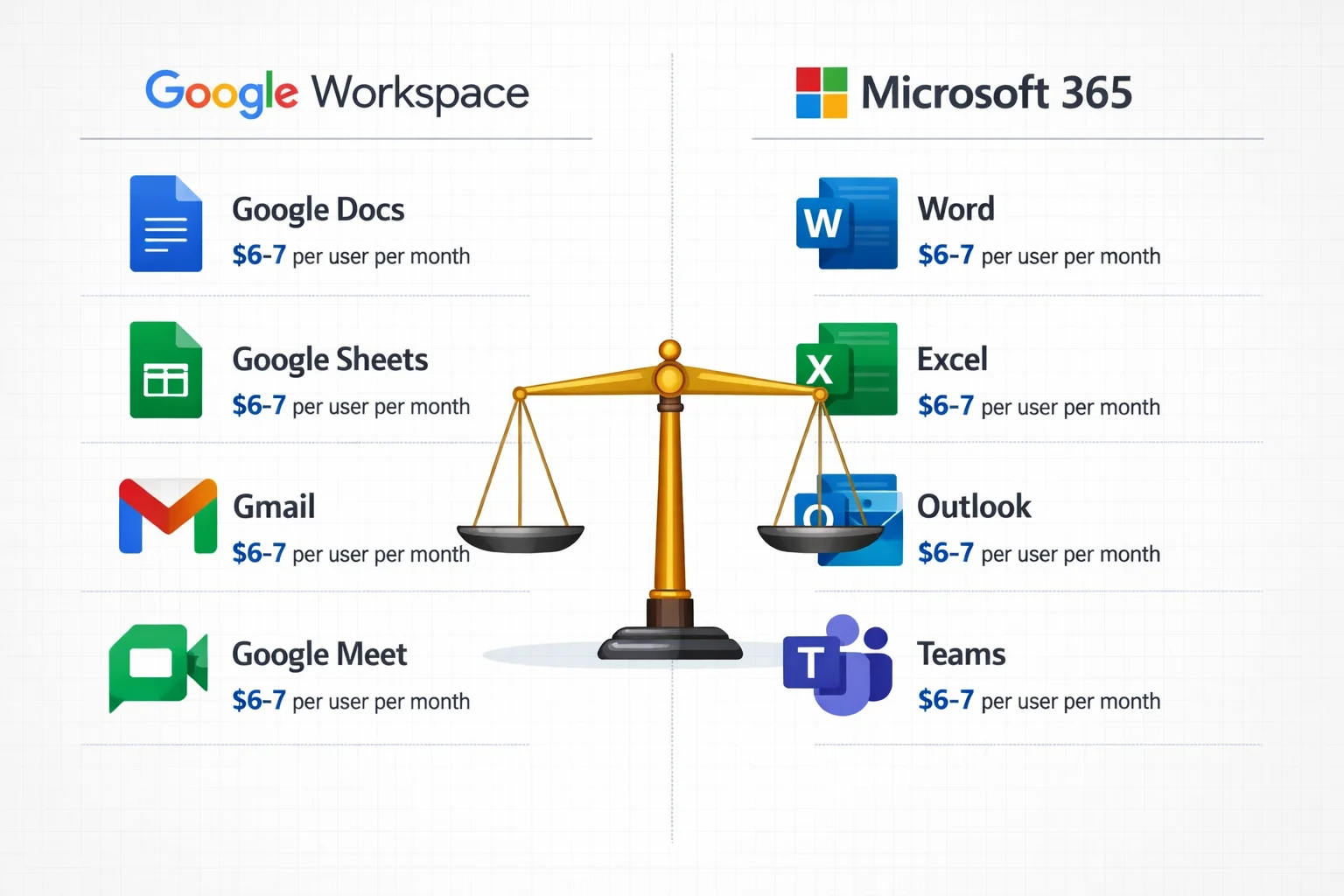
Google Workspace includes Gmail, Google Docs, Sheets, Slides, Meet, and Drive. Everything runs in your browser.
Microsoft 365 includes Outlook, Word, Excel, PowerPoint, Teams, and OneDrive. You get both browser and full desktop apps.
The core difference: Google Workspace runs almost entirely in the cloud, while Microsoft 365 gives you installed software on your computer as well [1][3].
How Do Google Workspace and Microsoft 365 Compare on Price?
Pricing is close at the entry level, but the gap widens as your needs grow.
| Plan | Price (per user/month) | Storage | Video Meeting Limit |
|---|---|---|---|
| Google Business Starter | ~$7 | 30 GB | 100 participants |
| Microsoft 365 Business Basic | ~$6 | 1 TB | 300 participants |
| Google Business Standard | Higher tier | 2 TB | 150 participants |
| Google Business Plus | Higher tier | 5 TB | 500 participants |
Here’s the catch with Google Workspace: many teams eventually buy Microsoft 365 Apps separately (around $8.25/user/month) because they still need Excel or Word for complex work. That wipes out any savings quickly [2].
Choose Microsoft 365 if you want predictable pricing and don’t want to pay for two platforms. Choose Google Workspace if your team genuinely lives in the browser and rarely needs desktop Office apps.
For a deeper look at Microsoft’s plans, our complete Microsoft 365 licensing guide for business clearly breaks down every tier.
Which Platform Is Better for Collaboration?
Both platforms let your team work on documents together in real time. But they approach it differently.
Google Workspace was built for browser-based collaboration from day one. Multiple people can edit a Google Doc simultaneously, and changes appear instantly. It’s simple and fast.
Microsoft 365 has caught up significantly. Teams and co-authoring in Word or Excel work well, and you get the added benefit of scheduling meetings directly through Outlook.
Microsoft 365 also supports up to 300 video meeting participants on Business Basic, Standard, and Premium plans. Google Business Starter caps at 100 [1].
Common mistake: Assuming Google Workspace is always easier for collaboration. If your team already knows Word and Excel, switching to Google Docs creates a learning curve, not a shortcut.
Does Google Workspace or Microsoft 365 Work Better Offline?
Microsoft 365 wins here, and it’s not close.
Microsoft 365 desktop apps (Word, Excel, Outlook) work fully offline. You can write a report on the train, and everything syncs when you reconnect [1][3].
Google Workspace is browser-based, so it requires an internet connection to work properly. You can enable offline mode in Chrome, but it requires planning ahead and doesn’t cover everything [1].
Edge case: If your team works in areas with patchy Wi-Fi on-site visits, rural locations, or travelling between client offices, Microsoft 365 is the safer choice. You don’t want to lose access to your files at the worst moment.
Which Platform Has Better Security?
Microsoft 365 offers stronger security controls, especially for small businesses handling sensitive data.
Microsoft 365 includes enterprise-grade security with Microsoft Entra ID for identity management and Intune for device compliance. Google Workspace provides solid basic protection, but its governance and advanced security controls are more limited [2].
For businesses in regulated sectors, such as legal firms, dental practices, and estate agents, this matters a lot. Our guide to modern workplace security with Microsoft Entra explains how these protections work in practice.
It’s also worth reading up on protecting your company data when employees leave, since both platforms handle offboarding differently.
GDPR note: Both platforms offer data processing agreements for UK businesses. If you’re unsure whether you’re compliant, our GDPR compliance guide is a good starting point.
Which Is Easier to Manage for a Small Business?
Microsoft 365’s admin centre makes everyday tasks noticeably simpler. Adding users, changing licences, setting up email, and managing software are all straightforward [3].
Google Workspace’s admin console can feel less intuitive, especially if you’re not used to it.
That said, Google Workspace is often quicker to set up from scratch. If you’re a sole trader or a very small team, you can be up and running in minutes.
For hands-on help with setup, Verge Tech Solutions handles Microsoft 365 setup and email configuration for businesses across London, Berkshire, and Surrey. With 17+ years of experience, we set everything up properly the first time.
Conclusion: Which Should Your Team Choose?
Here’s the honest summary. Most small businesses are better served by Microsoft 365. You get more storage, stronger security, offline access, familiar apps, and a cleaner admin experience all for a similar or lower price per user [1][2][3].
Choose Google Workspace if:
- Your team is small and entirely browser-based
- You’re already deep in the Google ecosystem (Android, Chromebooks)
- Simplicity matters more than advanced features
Choose Microsoft 365 if:
- Your team uses Word, Excel, or Outlook regularly
- You need offline access to files
- Security and compliance are priorities
- You want one platform that does everything
Not sure which fits your business? You don’t need to be technical; that’s our job. Get in touch with Verge Tech Solutions, and we’ll walk you through it. No jargon, no pressure.
Frequently Asked Questions
Can I switch from Google Workspace to Microsoft 365 later? Yes. Migration tools exist to move your email, contacts, and files. It takes planning, but it’s very doable. A local IT support team can handle the migration for you with minimal downtime.
Do I need Microsoft 365 if I already use Google Workspace? Many teams end up using both, especially if they need advanced Excel features. But paying for two platforms adds up. It’s worth auditing what your team actually uses before committing [2].
Is Google Workspace free? There’s no free business tier. Personal Google accounts are free, but Google Workspace for business starts at approximately $7/user/month.
Does Microsoft 365 include Teams? Yes. Microsoft Teams is included in all Microsoft 365 Business plans. It covers chat, video calls, and file sharing in one place.
Which is better for email, Gmail or Outlook? Both are excellent. Gmail is simpler and faster to learn. Outlook is more powerful for managing complex inboxes, calendars, and shared mailboxes. If you’re having Outlook sync problems, our Microsoft Outlook sync issues guide can help.
Can Google Workspace handle large teams? Yes, but storage limits on lower tiers can become an issue. Google Business Starter only offers 30 GB per user, which fills up quickly [1].
Is Microsoft 365 suitable for dental practices and legal firms? Absolutely. Microsoft 365’s security and compliance tools make it a strong fit for regulated industries. Verge Tech Solutions specialises in IT support for dental practices, legal firms, and estate agents.
What happens to my files if I cancel my subscription? Both platforms give you a grace period to download your data. Always back up your files before cancelling. Our data backup guide explains the safest approach.
References
[1] Microsoft 365 Vs Google Workspace Comparison – https://www.trustedtechteam.com/blogs/microsoft-365/microsoft-365-vs-google-workspace-comparison
[2] Microsoft 365 Vs Google Workspace Better Decision 2026 – https://www.ciotech.us/microsoft-365-vs-google-workspace-better-decision-2026/
[3] G Suite Vs Office 365 Whats The Best Office Suite For Business – https://www.computerworld.com/article/1672155/g-suite-vs-office-365-whats-the-best-office-suite-for-business.html

Nomi
https://nmaqsood.com/Noman Maqsood (Nomi) is a Senior IT Engineer with 7+ years in cloud, networking, and hybrid infrastructure. Azure certified. He writes about practical IT solutions, no jargon, just what actually works.